
Track Your Steps on Android with WalkACK
On Android, WalkACK reads your steps from Google Play services or Health Connect — whichever your phone provides — and never counts them itself.

Coins are in-app rewards, not cash. Daily limits and reward availability apply.
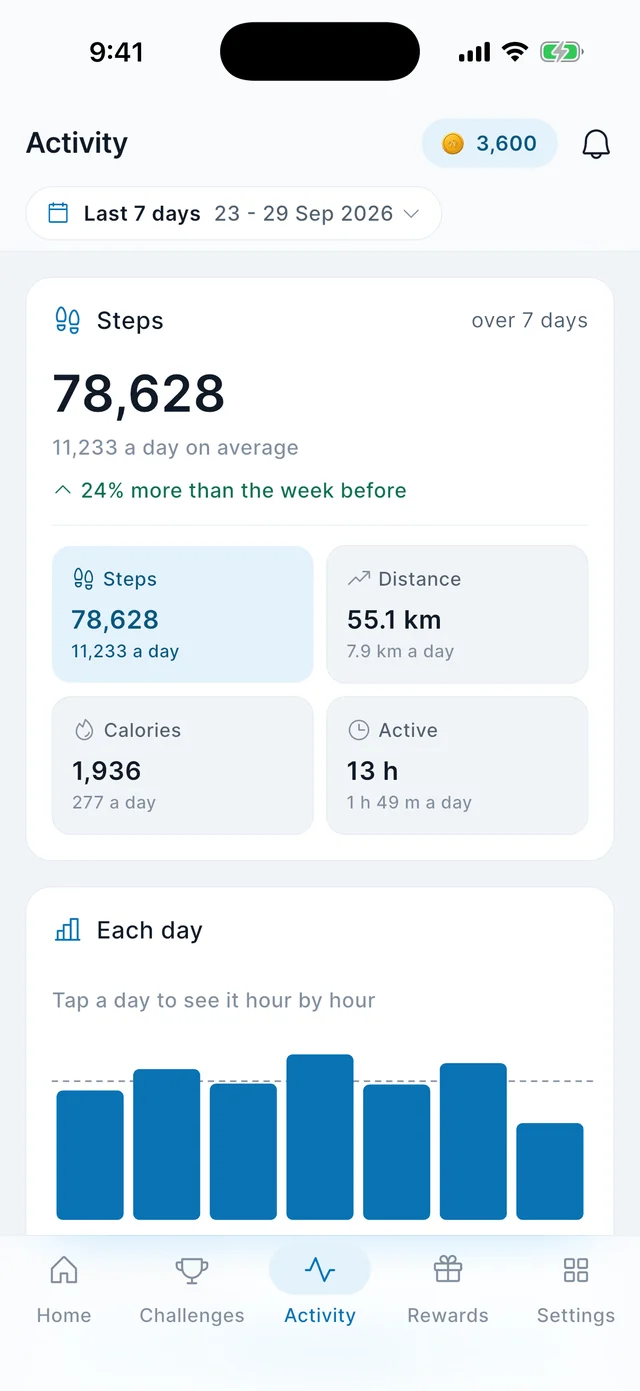
Where your Android steps come from
Google Play services
The default source on most Android phones. It records your steps whether WalkACK is open or not.
Health Connect
Used where it is available. WalkACK asks only for permission to READ steps; it writes nothing back.
Steps only
Distance and calories are worked out from your step count on our side. They are not read from your health data.
Permissions, and what they are for
Android 11 or later. Nothing here asks for your location.
Activity recognition
Lets the phone’s own step counter work. Without it there is no step count to read.
Read steps
Lets WalkACK collect the history your phone recorded, so a day you did not open the app still counts.
No location
WalkACK declares no location permission on Android and does not track where you go.
Questions about Android
Which Android versions are supported?
Android 11 or later.
Do I need Health Connect installed?
Not necessarily. WalkACK uses Google Play services where Health Connect is not available, and the app will tell you which source it is reading.
Will it count steps if the app is closed?
Your phone counts them regardless. WalkACK collects that history when you next open it, so closing the app does not lose the day.
Does WalkACK write anything to my health data?
Only the water you record yourself, and only if you turn on "Save to Health Connect" in the water settings. Steps are read, never written.