
Track Daily Steps on iPhone with WalkACK
On iPhone, WalkACK reads your step count from Apple Health with your permission. Your iPhone has been counting already — this just puts those steps to use.

Coins are in-app rewards, not cash. Daily limits and reward availability apply.
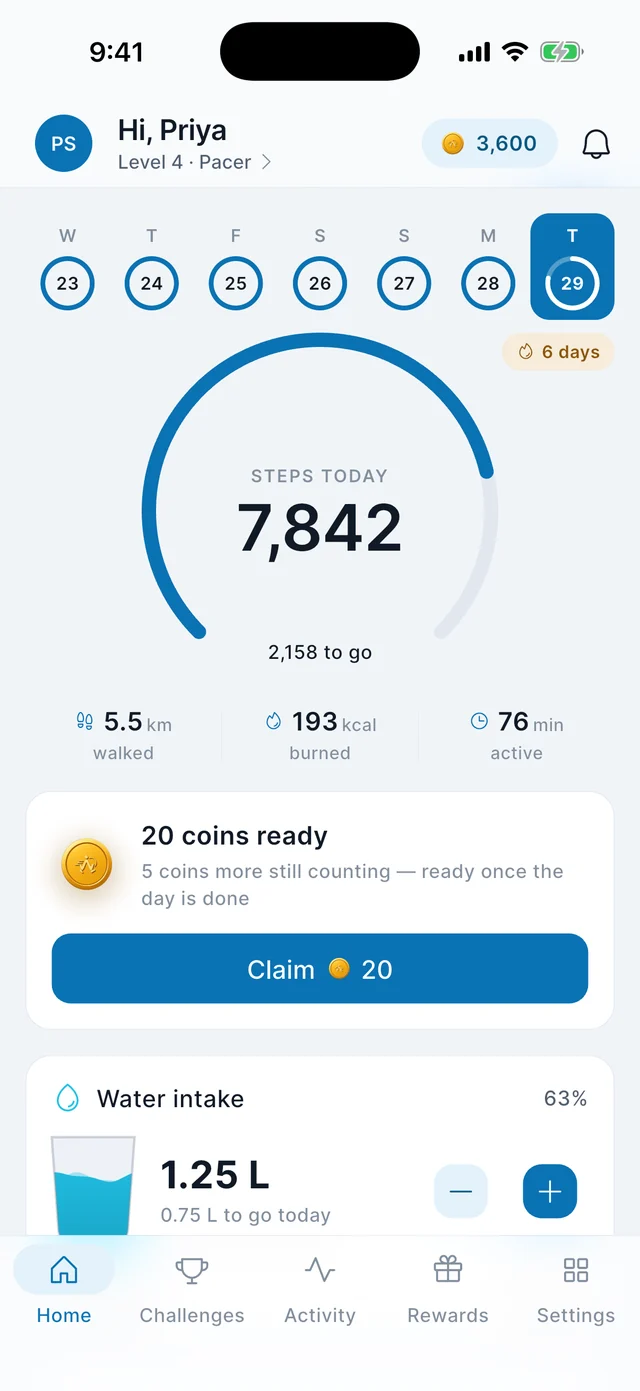
How it works with Apple Health
Read permission for steps
You grant WalkACK permission to read your step count in Apple Health. You can review or revoke it in Health at any time.
History, not just today
Because Apple Health kept the record, a day you did not open WalkACK still counts when you come back.
Steps are read, never written
The only thing WalkACK writes to Apple Health is the water you log yourself, and only if you turn that on.
What your data is used for
And what it is never used for.
Your progress and your coins
Steps are used to show your day and to work out the coins you are eligible for. That is the whole purpose.
Never for advertising
Your step data is never used to target advertising and is never shared with our ad partner.
Never sold
Health data is not sold. The privacy policy sets out exactly what is collected and why.
Questions about iPhone and Apple Health
Which iPhones are supported?
iPhones running iOS 15 or later.
Does WalkACK work with Apple Watch?
WalkACK reads the step count in Apple Health. If your Watch contributes steps there, those steps are included; WalkACK has no Watch app of its own.
Can I revoke health access later?
Yes. Open the Health app, find WalkACK under data access, and change or remove permission whenever you like.
Does it track my location?
No. WalkACK requests no location permission on iOS and does not use GPS.